The short answer
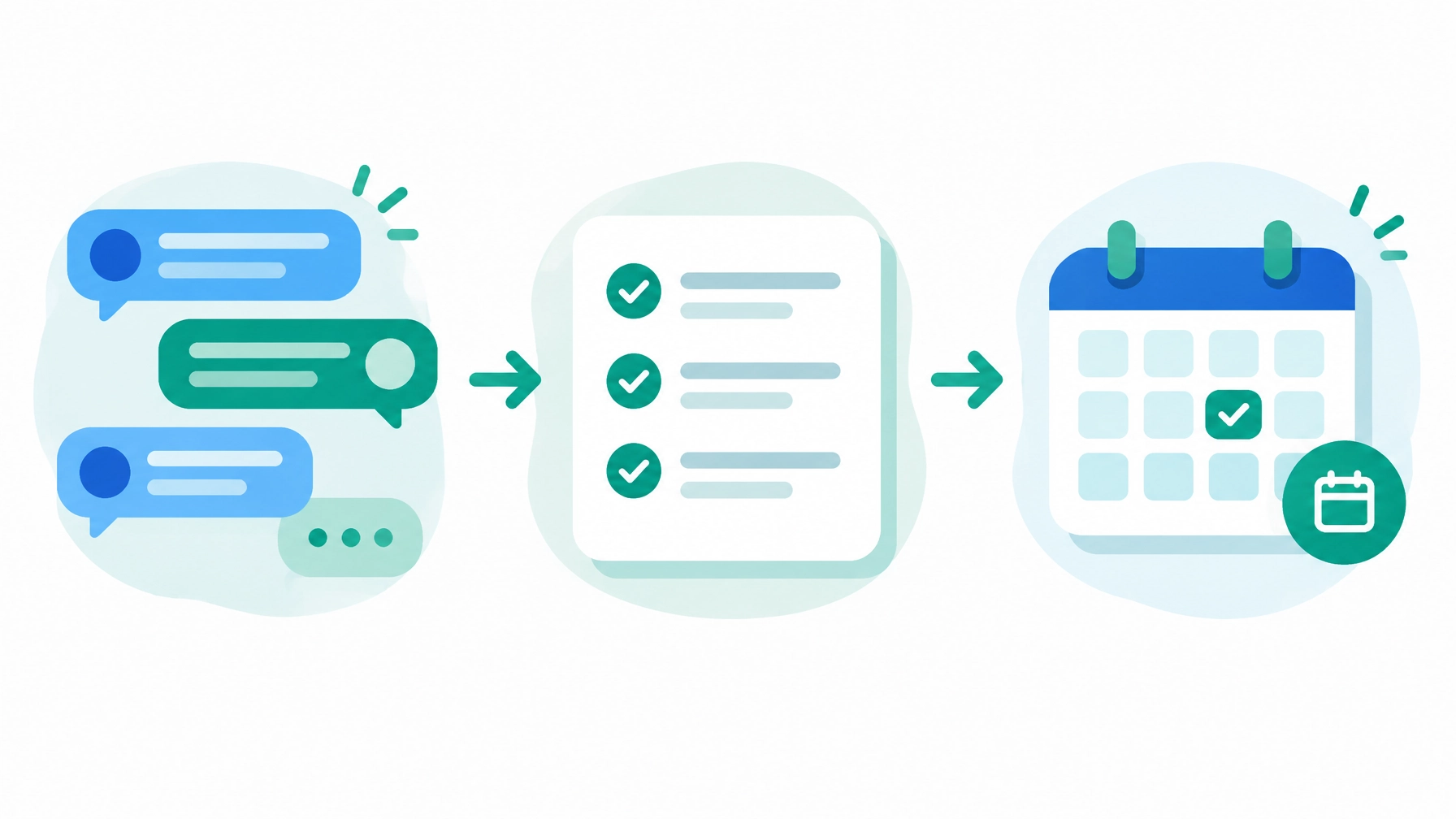
A chatbot form replaces a static contact form with a short conversation, one question at a time. It beats a form when you need to qualify, route or answer questions before a lead reaches you, and when people contact you after hours or on their phones. A plain form still wins when all someone needs is to send a message. The bots that convert do one or two jobs well. The ones that fail try to do everything.
Why Contact Forms Leak Leads
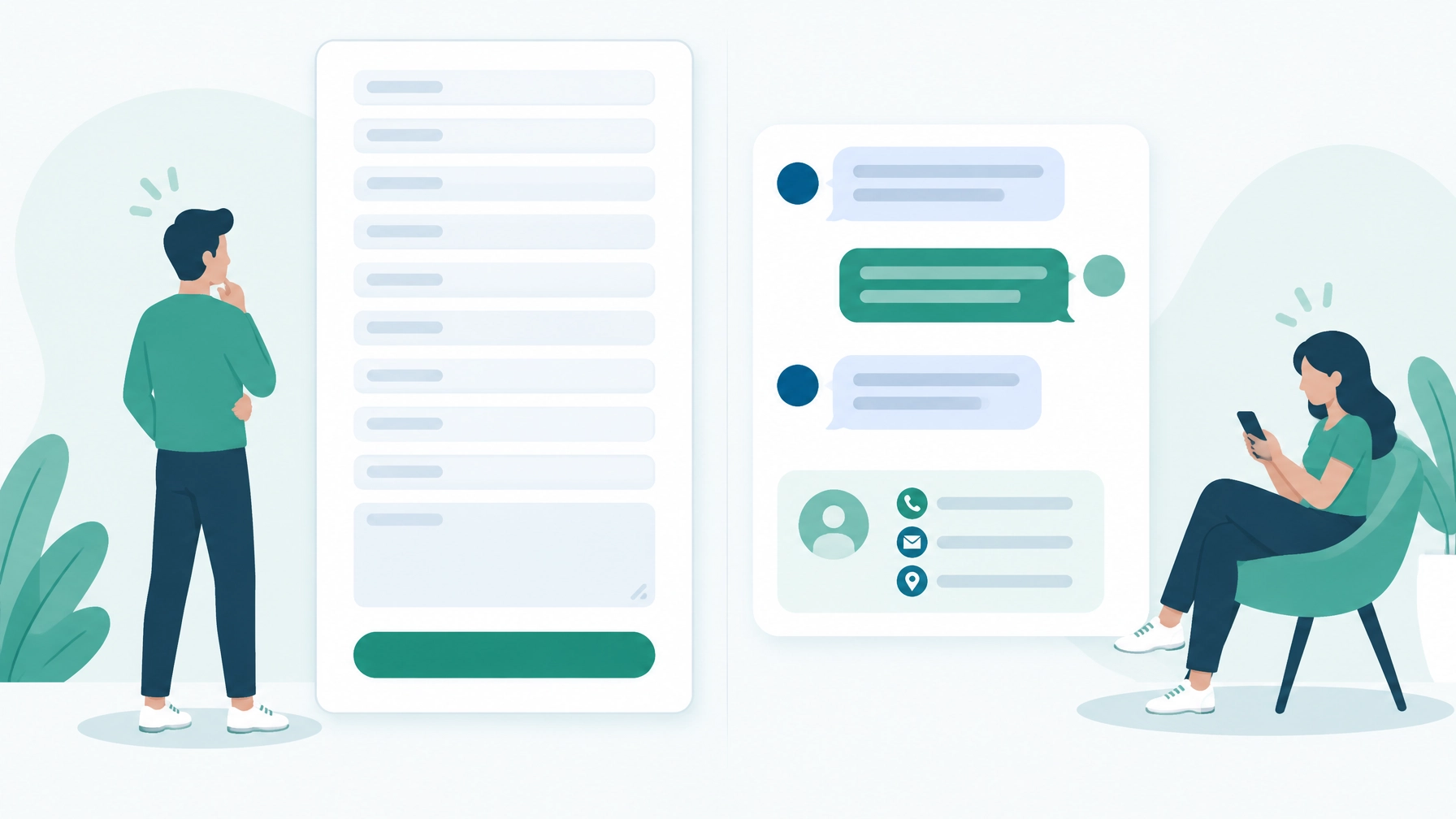
A contact form waits. It asks for everything at once, gives the visitor nothing back and sends every inquiry into the same queue until someone on your team reads it. If that happens the next morning, the lead has often already called someone else.
I lost a client this way. They had an urgent problem overnight. By the time I woke up, a competitor with a chatbot had already answered, sorted out the issue and booked the job. My site had a form. Their site had a conversation. That one night is the whole argument for speed to lead.
Forms lose leads in three predictable ways:
- Too many fields. Ten fields ask for a commitment most visitors will not make before they trust you.
- No immediate response. A form accepts a message at night. It cannot answer the question that made the visitor hesitate.
- No qualification or routing. You get a name and a vague message, then spend a phone call figuring out whether it is even a fit.
If your contact page feels passive, read why your contact page loses leads for a closer look at where form-based capture breaks down.
What a Chatbot Form Actually Is
A chatbot form asks the same questions a form would, one at a time, in a conversation. The visitor answers, gets a response, then answers the next question. Because each step is small and fast, people keep going. A ten-field form looks like work. Three quick questions in a chat feel like progress.
That is different from bolting a chat bubble onto a page that still sends people to a form. A real chatbot form captures the information itself, saves it, and can answer questions, route the request or book the appointment along the way.
Where Chatbots Beat Contact Forms
- After hours. A bot answers at 2 a.m. and captures the lead while the visitor is still on your site.
- On phones. Short exchanges with tap-to-answer buttons replace scrolling and typing through a long form on a small screen.
- Qualifying. It asks what service someone needs before they reach you, so you call the right people first.
- Routing. A new customer, an existing customer with a problem and a vendor all need different answers. A bot sends each one to the right place.
- Repeat questions. It handles the questions your team answers twenty times a week, so the team does not have to.

Professional insight
Saint Francis Schools saw roughly 30 percent more applications the year their chatbot started fielding admissions questions.
The bot was not the only change that year, so I will not claim it did all of that. What it clearly did was take the repetitive questions off the admissions team, so families got answers immediately, including after hours, and staff spent their time on the families ready to apply.
When a Contact Form Still Wins
Keep the form if it is truly just a contact form. If people only need to send you a message and nothing needs to be qualified, routed or answered first, a short form is simpler and works fine. Forms also make more sense for file uploads, job applications and formal requests where your team needs the same fields in the same order every time. Do not add a bot because it sounds modern.
The moment you need anything more than a message (which service, how urgent, new or existing customer, a booking), a chatbot or an agentic bot can do far more of the work than a form can.
What a Good Chatbot Form Asks First
The order of the first questions decides whether you get the lead. This is the order I use:
- Service type. This decides the route, or whether the visitor just needs information.
- Name. A quick, low-friction answer that keeps the conversation moving.
- Email or phone. Now you can reach them even if the chat drops.
Right after the contact details, the bot saves the lead. If the visitor closes the tab or loses signal before finishing, you still have who they are and what they wanted. Every question after that point (location, timing, project details) is a bonus, not a requirement. Hold budget questions for the sales conversation unless your team truly screens on them, because asking too early stops people from engaging.
The Mistake That Kills Chatbot Conversions
Trying to make one bot do everything. An all-in-one bot with complicated routing gets people lost. Every extra branch is another place to quit, and visitors who feel lost abandon the conversation before they convert.
Pick the one or two jobs that would help the business most and build the bot for those. A bot that captures leads well beats a bot that does six things badly.
One Platform, Several Focused Bots
Most business owners do not realize you can run several specialized bots from one platform. Instead of one bot that does everything, each bot does one job:
- A leads bot on your service pages that qualifies and captures new customers.
- A service ticket bot for existing customers reporting a problem.
- A reservation bot that books appointments or tables directly.
Each one stays short and focused, and together they take the questions that bog down your team off its plate. For more ways businesses put this to work, see these real-world chatbot use cases. If calls are the bigger leak, the same idea extends to an AI receptionist for the phone.
Where to Put Chatbot Forms on Your Site
Put the conversation where visitors already have intent but need one or two answers before acting.
- Service pages. Open with a prompt tied to the page. A visitor reading about roof repairs should not get a greeting that sounds like a software company.
- Paid landing pages. Match the bot to the ad. An emergency service ad asks about urgency. A consultation ad moves toward booking. Keep the path narrow so visitors do not lose the reason they clicked.
- Quote pages. Walk the visitor through service, location and timing, then send your team a clean summary instead of a message that just says “please contact me.”
Design every one for the thumb: large answer buttons, short prompts and an easy way to close the chat. Test it on a real phone, because a bot that covers your call button or hides behind the keyboard costs you more than it captures.
Plan the Handoff Before You Launch
A chatbot form is a system, not a widget. The chat window is only the visible part. The value sits in what happens after the visitor answers.
- Connect your calendar and CRM. Qualified visitors should be able to book without anyone retyping their details. No CRM yet? A dedicated inbox with clear notifications works to start.
- Write the fallback path. Tell the bot what it can answer, what it should avoid, and when to collect contact details and hand off to a person, with the conversation history attached so nobody starts over.
- Be honest after hours. Tell visitors when a human will respond. Never pretend someone has read the inquiry when nobody has.
- Test every field. Confirm names, emails, phone numbers and service selections land in the right place before the bot goes live.
When the handoff runs across several tools, workflow automation carries the lead from chatbot to CRM, calendar and follow-up. For how the two fit together, see AI chatbot vs workflow automation.
Free resource
Form Optimization Playbook
A chatbot is one answer to form abandonment. Fixing the form is the other, and it is faster. This covers both.
What Chatbot Forms Cost
Cost depends on what the bot has to know and do. A simple lead capture flow costs less than a trained agent with calendar access, CRM updates and follow-up logic. The main drivers are the number of entry points, the services and locations covered, the systems it connects to, and the handoff rules.
You have two paths. If you want to build and tune the conversation yourself, BotStudio is a self-serve builder with published plans and a free start. If you want the qualification logic, calendar and follow-up wiring handled before launch, our AI chatbots and agents service builds it for you. The right choice comes down to whether your time is worth more than the setup and ongoing tuning.
Either way, a cheap widget is not the same as a trained agent. A widget shows a chat box and sends a notification. A trained agent knows your services, qualifies the visitor and says so when it does not know an answer.
Form, Chatbot or Both: A Quick Decision Guide
- Use a form if people only send messages, upload files or submit formal requests, and you reply within a few hours.
- Use a chatbot if leads arrive after hours or on phones, need qualifying or routing, or ask the same questions over and over.
- Use both if you serve different kinds of visitors: chatbots on service, quote and landing pages, and a simple form on the contact page.
If you want a chatbot built around how your business actually takes leads, book a free 30-minute consultation and we will map out which bot, if any, fits your site.
Frequently asked questions about chatbot forms
These are the questions business owners ask most when deciding between a contact form and a chatbot form.
Do customers hate talking to chatbots?
Customers hate bad bots that interrupt the page or trap them in loops. A short, focused chatbot that asks a few quick questions and gets them an answer or a booking feels faster than filling out a form and waiting for a reply.
What happens if someone leaves the chat halfway through?
A well-built bot saves the lead as soon as it has a name and a way to reach them, so you can follow up even if the conversation never finishes. Without that save step, a dropped chat loses the lead the same way an abandoned form does.
Should a chatbot replace my contact page entirely?
Usually not. Keep a simple form on the contact page for people who just want to send a message or upload a file, and use the chatbot where qualifying, routing or after-hours capture matter most.
How many questions should a chatbot form ask?
As few as it takes to route and reach the person. Service type, name and contact details cover most businesses. Anything beyond that should be optional and asked after the lead is saved.
Can chatbot forms book appointments?
Yes, when the bot connects to a calendar with current availability. It should qualify first if your calendar has limited capacity, then confirm the booking and send the details to your team.