The short answer
The chatbot use cases that work best for a small business are narrow: qualify leads outside office hours, book appointments, answer repeat questions and follow up after the sale. The bots that work for our clients do one job, while bots built to answer anything tend to answer everything slightly wrong. Give every bot a clear hand-off to a person.
Still wondering what an AI chatbot can actually do for your business? Looking at specific use cases is the quickest way to find out. The ones that work for a small business are narrow: each bot does one job well.
Many small businesses still rely on contact forms, manual scheduling and a support inbox someone has to clear by hand. If your team spends hours on questions a chatbot could answer in seconds, that time has a cost. This article covers five chatbot use cases, how each one works and what it saves.
Why Chatbots Dramatically Improve Customer Support
Chatbots give customers an answer straight away, at any hour, and a small business can offer that without adding staff.
Customers Prefer Texting and Self-Service
Help Scout reports that 66% of customers try to use self-service options before contacting a human. A chatbot fits that habit: it gives conversational, on-demand help in the chat window.
- Text-based support feels natural, especially on mobile
- Chatbots can be programmed to answer the most common pre-sale or post-sale questions
- They reduce friction and give users the ability to help themselves quickly
Chatbots Are Instant and Always Available
Unlike your staff, a chatbot is available around the clock. It can answer at night and on weekends and handle several conversations at once, without adding payroll.
- Bots can handle multiple conversations at once, eliminating wait times
- Customers receive help during off-hours, weekends, and holidays
- Live chat and chatbot support have the highest customer satisfaction ratings due to speed and convenience
That is why many small businesses use a chatbot as the first point of contact. The five use cases below show where one saves time and where it helps sales.
👉 Learn more about our AI chatbot development services and get your first chatbot up and running.
Professional insight
Where chatbots earn their place, and where they do not
Saint Francis Schools uses its chatbot to answer people who just need information about the school, quickly. When families do contact the admissions team, they are ready to take real steps toward enrolling their students.
That is the pattern I build for: a bot with one job. A bot built to answer anything tends to answer everything slightly wrong. Narrow beats clever.
Two Types of Chatbots to Know About
Before you implement a chatbot in your business, it’s helpful to understand the two primary types: transactional and conversational. Each serves a different purpose and fits different parts of the customer journey.
Transactional Chatbots
Transactional chatbots are designed to guide users through a specific process with a set of predefined options. The customer selects choices related to their needs, and the chatbot provides step-by-step support until their request is fulfilled.
- Ideal for repetitive, predictable tasks like booking a table, ordering food, or checking bank balances.
- Great for industries like restaurants, online delivery, finance, and healthcare, where workflows are structured.
- Helps speed up resolution and reduces the need for a live agent by offering a self-service experience.
Conversational Chatbots
Conversational chatbots are built to simulate more natural, human-like dialogue. They’re powered by rules, AI, or a combination of both to understand user intent and provide helpful responses.
- Perfect for lead qualification, product recommendations, or multi-step support that requires context.
- Useful for businesses that want to create deeper engagement or offer tailored experiences.
- Their answers improve when you improve their knowledge sources and the platform behind them.
Both types of chatbots offer unique advantages, and many small businesses benefit from using a hybrid model. Choosing the right type depends on your goals, your audience’s needs, and the complexity of your sales or support funnel.
1. Capture and Qualify Leads 24/7
One of the most impactful uses of AI chatbots is lead capture. Instead of relying on a static contact form that often gets ignored, businesses are using chatbots to greet visitors and guide them through a series of qualification questions.
- Ask the right questions upfront: A chatbot can collect important lead data like what service the visitor is interested in, their timeline, and budget. This mimics a real conversation and quickly separates casual browsers from serious prospects.
- Auto-tag and score leads in real-time: Based on responses, the chatbot can apply tags or scores and send the lead into your CRM with all the relevant info pre-filled. Your sales team is instantly notified and can prioritize outreach accordingly.
- Respond while the prospect is still engaged: A chatbot answers straight away, while the visitor is still on the page, instead of hours later when they may have moved on.
For many visitors, a quick conversation is an easier first step than a traditional form.
👉 Want to go deeper? Check out our blog on how chatbots are replacing contact forms to learn why static forms might be costing you leads.
2. Automate Appointment Scheduling
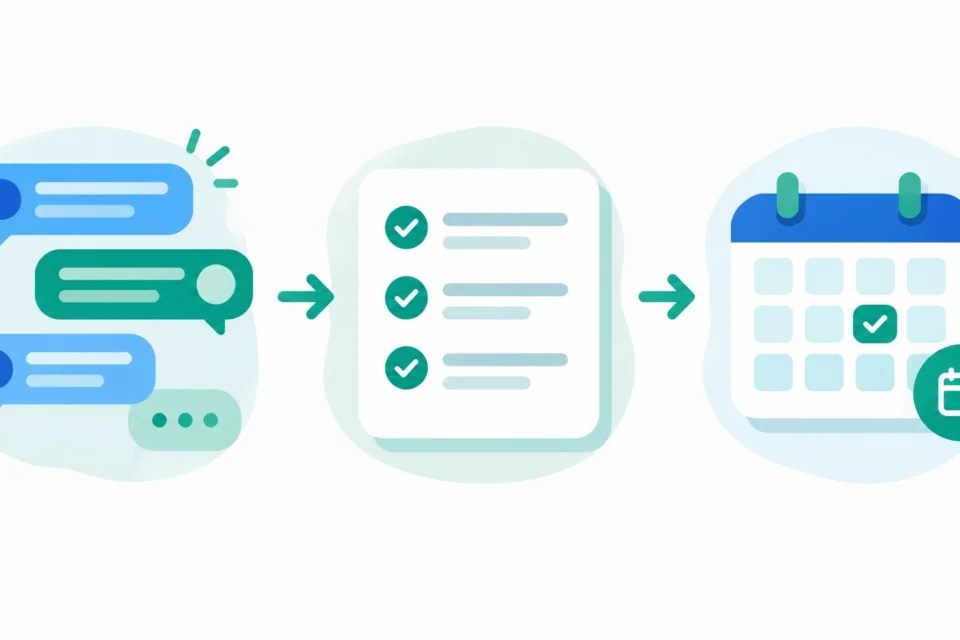
Scheduling back-and-forth wastes time for your team and your leads. A chatbot cuts it out by letting visitors book an appointment inside the chat, without waiting for a person to reply.
- Connect directly to your calendar tools: A chatbot can sync with platforms like Calendly or Google Calendar, check availability, and allow visitors to book an open time slot right inside the chat window.
- Automate confirmations and reminders: Once the booking is made, automated follow-up messages confirm the appointment and send reminders, which reduces no-shows and keeps everyone on the same page.
- Make booking easy on a phone: Mobile users benefit most, since they do not need to open more pages or fill out long forms.
Fewer steps and shorter delays make it easier for an interested lead to become a confirmed appointment, and your team spends less time arranging it.
Booking is where my own chatbot platform, BotStudio, has changed the most. In six months it went from sending a visitor a booking link to completing the booking itself through an API. Over the same period it has learned from its sources faster and more accurately, and it now says it does not understand a question far less often.
3. Answer FAQs and Reduce Support Load
Customer support is often the first place a chatbot pays off. Whether the questions are about products or service logistics, a chatbot can handle a high volume of repeat enquiries.
- Automate answers to the most common questions: Chatbots can answer questions about return policies, product specs, shipping timelines or service availability straight away, so your team does not have to answer them one by one.
- Route more complex issues smartly: If the chatbot detects a question that goes beyond its programmed knowledge, it can escalate the conversation to a live agent with full context, improving resolution speed and accuracy.
- Deliver support across channels 24/7: Chatbots can be embedded on your website, in your mobile app or in social DMs, so customers can get an answer whenever they need one.
Handing the repeat questions to a bot keeps your team on the issues that need a person, instead of answering the same questions over and over.
4. Boost Conversions on High-Intent Pages
Pricing, product and service pages are where visitors decide, and they are often overlooked. A chatbot on those pages can answer the question that is stopping someone from taking the next step.
- Engage visitors at the moment of hesitation: If a user lingers or scrolls without acting, the chatbot can trigger with a relevant message like “Have questions about pricing?” or “Not sure which plan is right for you?”
- Offer tailored recommendations or social proof: Based on user behavior or selections, the chatbot can suggest a package, share testimonials or answer common objections, which helps the buyer feel confident.
- Connect to your sales team if needed: If the chatbot detects a high-intent user or a complex question, it can route the conversation to a person for real-time help.
Prompting visitors at the moment they hesitate helps them take the next step instead of leaving the page.
Free resource
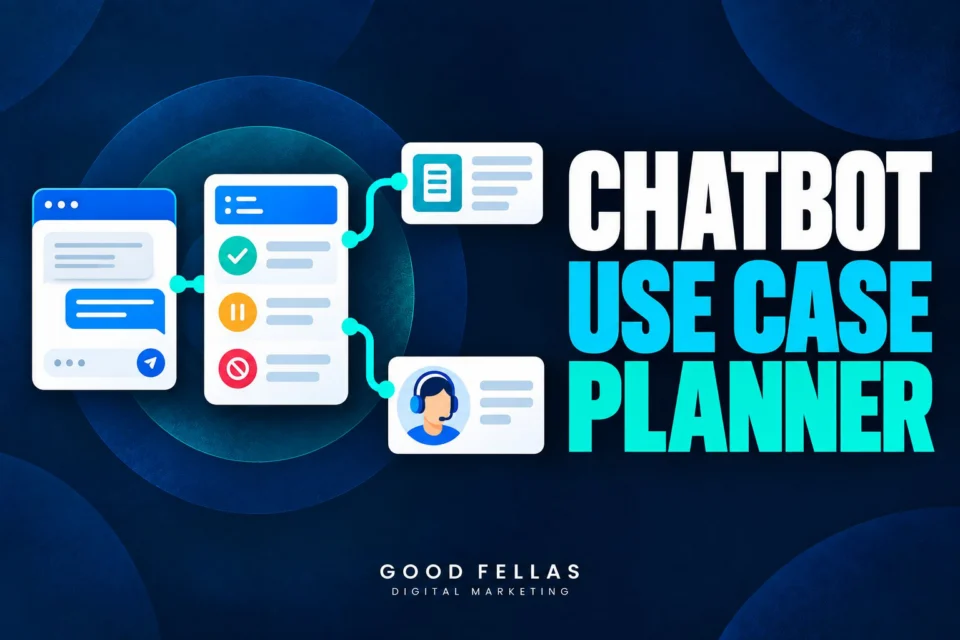
The Chatbot Use Case Planner
The question is not whether to have one. It is what it should be allowed to do, which is a decision that normally gets made by whoever installed the widget.
5. Nurture Customers After the Sale
The relationship does not end at the sale. A chatbot can handle the follow-up: sending useful information, answering questions after the purchase and asking for feedback.
- Send helpful post-purchase content automatically: After someone buys, the chatbot can deliver onboarding guides, tutorial videos, or product tips that ensure they get the most value from what they purchased.
- Trigger review requests or satisfaction surveys: Based on timing rules, you can prompt customers to leave feedback or reviews. This not only builds social proof but helps you identify opportunities for improvement.
- Deliver loyalty rewards and retention offers: Chatbots can recognize milestones like birthdays or purchase anniversaries, then send promo codes, loyalty perks, or personalized recommendations to drive repeat business.
Automating these moments keeps customers looked after without adding manual work, which gives them a reason to come back.
Bonus: Combine Chatbots with Workflow Automation
A chatbot does more when it is connected to the rest of your systems. Link it to your CRM, email platform, calendar and internal alerts, and you can build automated customer journeys that save time and keep follow-up consistent.
Use Case Example: A School Admissions Chatbot
Saint Francis Schools, a client of ours, uses a chatbot this way. It answers families who just need information about the school, quickly. When it launched, the chatbot and an autoresponder together replied to every enquiry in under 60 seconds.
The follow-up continues by email. It now splits families booking a private tour from those booking a group tour, so private-tour families get a more personal sequence.
When a family does contact the admissions team, they are ready to take steps toward enrolling.
If you want your chatbot tied into a full automation system, see our business process automation services.
Building Your Chatbot: Platform or Custom?
Once you know which use case to start with, there are two ways to build it:
- Platform-based chatbots launch quickly, with templates and simple editors your team can manage. The trade-off is less control over custom features and integrations.
- Custom (DIY) chatbots can be shaped around your exact workflows, but take more time, budget and technical skill to build and maintain.
Choose on what the bot has to do, your team’s skills and how far you expect it to grow. We build custom AI chatbots for websites for businesses that have outgrown templates.
Keep a human in the loop
Chatbots still struggle with emotion, nuance and complex problems. In the bots I build, I limit the knowledge base to what the bot should know and give it a strict rule: if it does not know the answer, it must not agree to anything or make anything up. It says “I do not have the answer to that question.” For anything else, give people a clear way to reach a person: build in your contact details, or have the bot save the conversation and run an automation that tells someone on your team to follow up directly. Then review the bot’s conversations regularly.
Which Chatbot Use Case to Start With
A chatbot is a practical way to save your team time and follow up on more leads. Whether you need to capture leads, automate bookings, cut repeat questions or follow up after a sale, start with the one job that costs your team the most time today.
To judge whether a chatbot is paying for itself, I look first at how much time it saves the people working there. If it is built to collect leads, the next number is how many of those leads converted, not just the raw count. And I check whether it stopped the unnecessary phone calls and emails.
Test it on your highest-traffic page first. When you want a chatbot built around your business, we can help.
Frequently asked questions
What are the best chatbot use cases for a small business?
Lead qualification outside office hours, appointment booking, answering repeat questions, and post-sale follow-up. Those four cover most of the value.
What are chatbot use cases in customer service?
Triaging incoming questions, answering known issues instantly, collecting order or account details before a human picks up, and handing over with full context.
Are chatbots better than contact forms?
For high-intent visitors, usually yes, because a conversation collects the same information without looking like paperwork. For complex enquiries a short form still wins.
What does a chatbot cost to run for a small business?
A scoped chatbot handling booking and qualification is a build cost plus a small monthly platform fee. To judge the return, look first at the staff time it saves, then at how many of the leads it handles convert.
Work with us
A chatbot is not finished when it launches.
The answers go stale, the products change, and a bot confidently telling customers something untrue is worse than no bot. Let us own the thing so it stays correct.