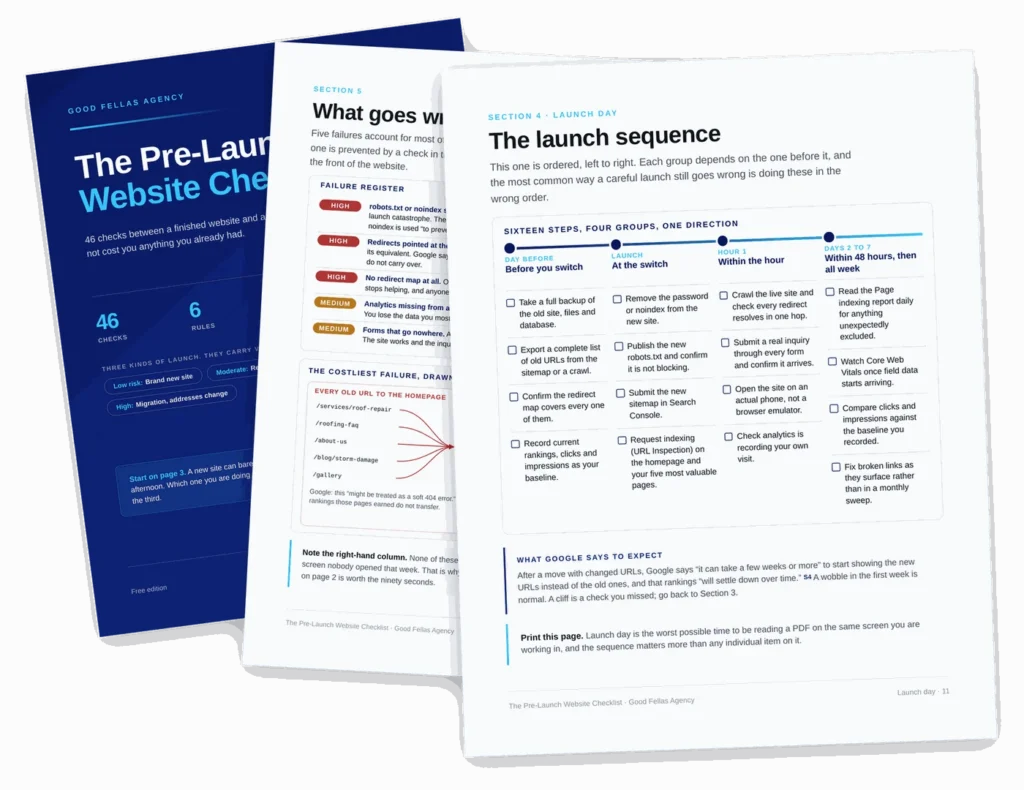
The document
Forty six checks before the site goes live, and the ones that matter after
A launch is the one day where a small oversight is expensive and hard to notice. This is the sweep: analytics, indexing, redirects, forms, speed, security and the design mistakes that cost conversions once traffic arrives.
It is grouped so you can work it top to bottom on launch day, and the technical section is separated out so a developer can take it without reading the rest.
What is inside
Six groups, worked in order on the day
Launch checklists usually fail by being either too shallow to catch anything or too long to finish. This one is sized to be completed in an afternoon and specific enough that each tick means a thing was actually verified.
The technical pass
Indexing, robots, sitemaps, SSL, redirects and the staging settings that get left switched on. The group where a missed item costs the most.
Analytics and tracking
Installed, firing, and recording the things you will want to compare against in three months. Easy to skip and impossible to backfill.
Forms and contact
Every form submitted as a real visitor, every notification confirmed as received, every reply address checked. The most common launch-day fault.
Speed and mobile
What to measure, what counts as good, and which of the usual culprits is worth fixing before launch rather than after.
Design mistakes that cost conversions
The ones that survive a launch unnoticed and then quietly leak enquiries for a year.
Reading your result
What a given score means, what to fix before you announce it, and what can safely wait until the following week.
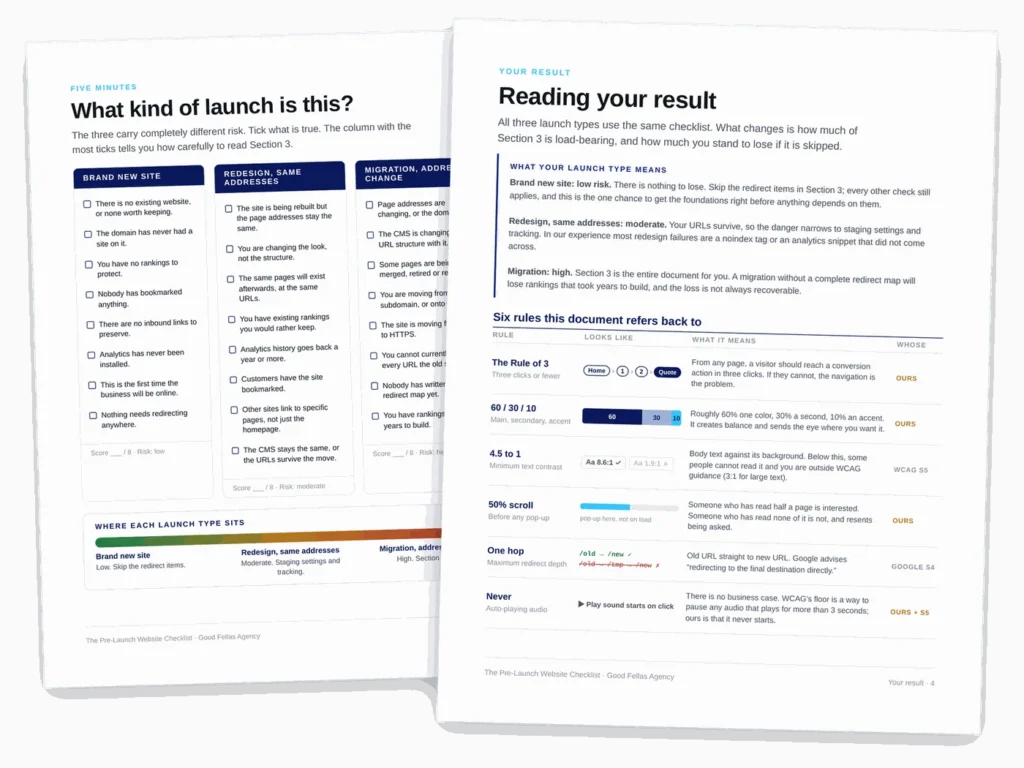
How it works
Work it on the day, then read the result
The checklist is designed for one sitting with the site in front of you, not for planning a launch weeks out.
By the numbers
What you are getting
Before you ask
Questions people send us about this one
Is this WordPress specific?
Mostly not. Three checks name WordPress settings because that is where the mistake usually lives, and each of those says what the equivalent is on another platform. The other forty three apply anywhere.
Can I use it on a site that is already live?
Yes, and a lot of people do. Run it as an audit rather than a launch sweep: the technical and analytics groups in particular catch things on established sites that nobody has looked at since the build.
Who should actually run this?
The technical group suits whoever built the site. Everything else is written to be run by the business owner, because the checks that get missed are usually the ones everyone assumed somebody else had done.
What if I find something broken on launch day?
The result page separates blockers from the rest, so you know what genuinely has to be fixed before you announce and what can wait a week without costing you anything.