The spreadsheet
Plan the month before you write a word
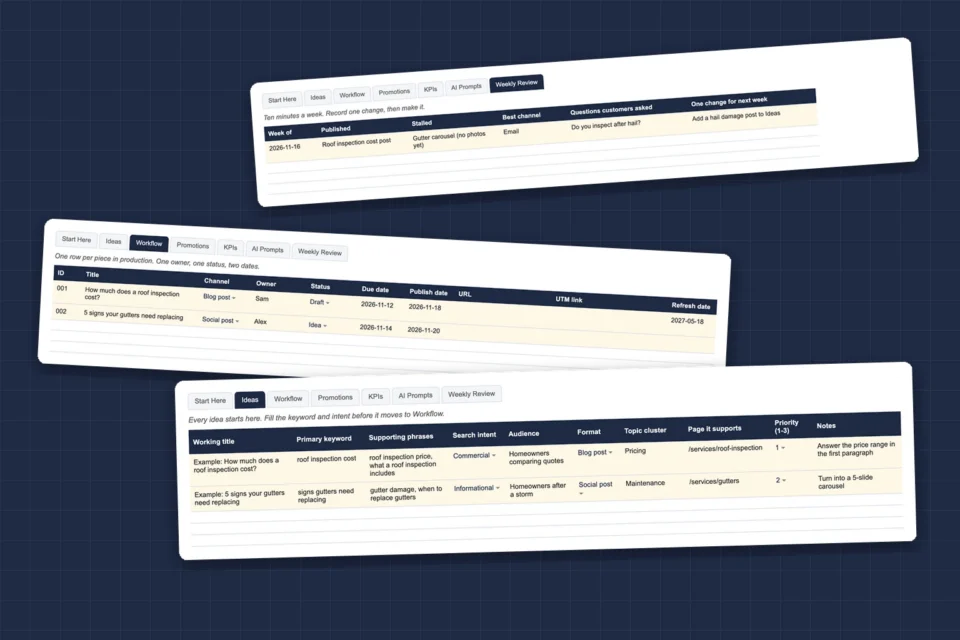
A content planner fails when it is a list of titles. This one asks for the keyword, the search intent and the page each piece supports before anyone writes it, so every post has a job.
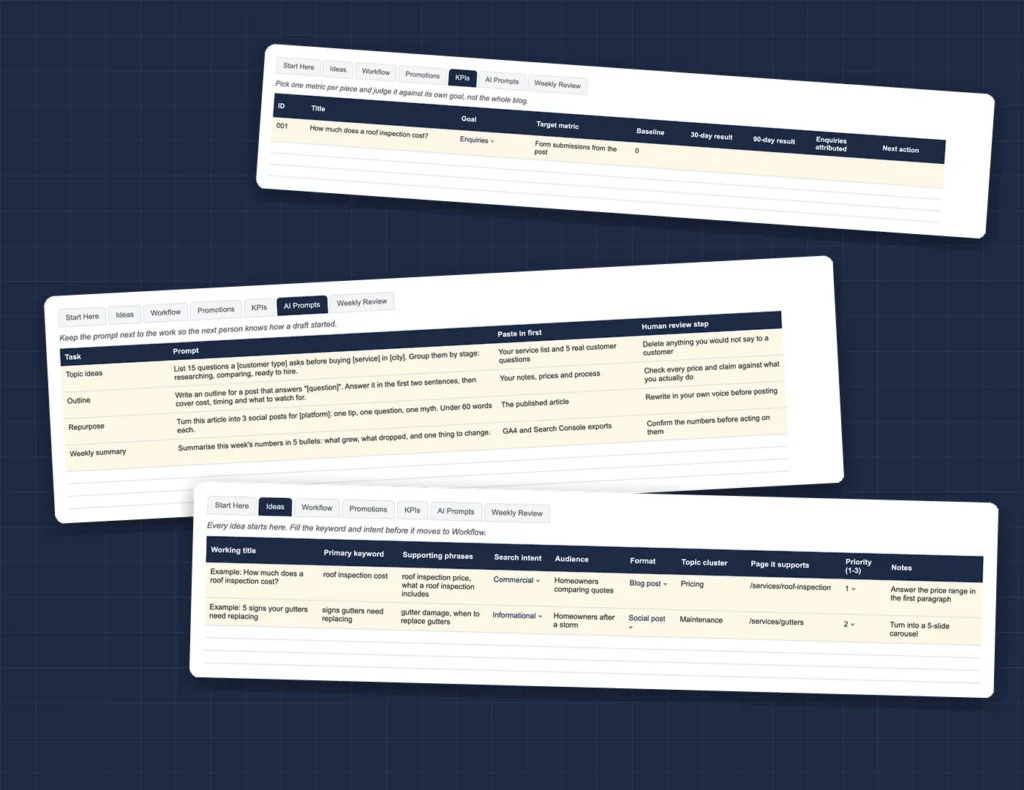
It runs in Excel or Google Sheets, with dropdowns for intent, format, status and next action, and example rows to show the format.
What is inside
Six working tabs and a start-here guide
Each tab answers one question about your content: what to write, who is writing it, where it goes, whether it worked, how AI fits in, and what to change next week.
Ideas
Every topic with its keyword, search intent, audience, format and the page it should support. Nothing moves on until those are filled.
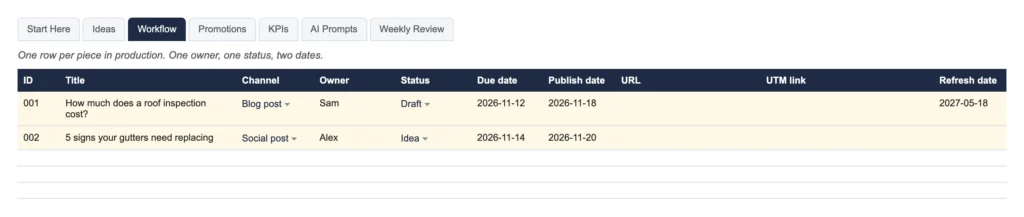
Workflow
One owner, one status and two dates per piece, plus the URL, the UTM link and a date to refresh it.
Promotions
Where each piece goes before it publishes: your site, your email list, social, community groups and internal links.
KPIs
One goal and one target metric per piece, checked at 30 and 90 days, with a next action: keep, refresh, promote or retire.
AI Prompts
Four prompts for topic ideas, outlines, repurposing and weekly summaries, each with what to paste in first and what a person has to check.
Weekly Review
Ten minutes a week: what published, what stalled, which channel worked, what customers asked, and one change for next week.
How it works
Four habits that keep a content plan alive
The template is the easy part. These are the four habits it is built around, and the reason most plans stop by month three is skipping one of them.
By the numbers
What you are getting
Before you ask
Questions people send us about this one
Does it work in Google Sheets?
Yes. Upload the file to Google Drive and open it with Google Sheets. The tabs, dropdowns and example rows all carry over.
Do I have to fill in every tab?
No. Start with Ideas and Workflow. Add Promotions and KPIs once publishing is a habit; the planner is built to grow with you.
Is it for a blog only?
No. The Format column covers blog posts, social posts, email, video and service pages, so one planner can run every channel.
Can I use it for a client?
Yes. Nothing in the template is specific to us. Rename the columns to fit the client and delete the example rows.