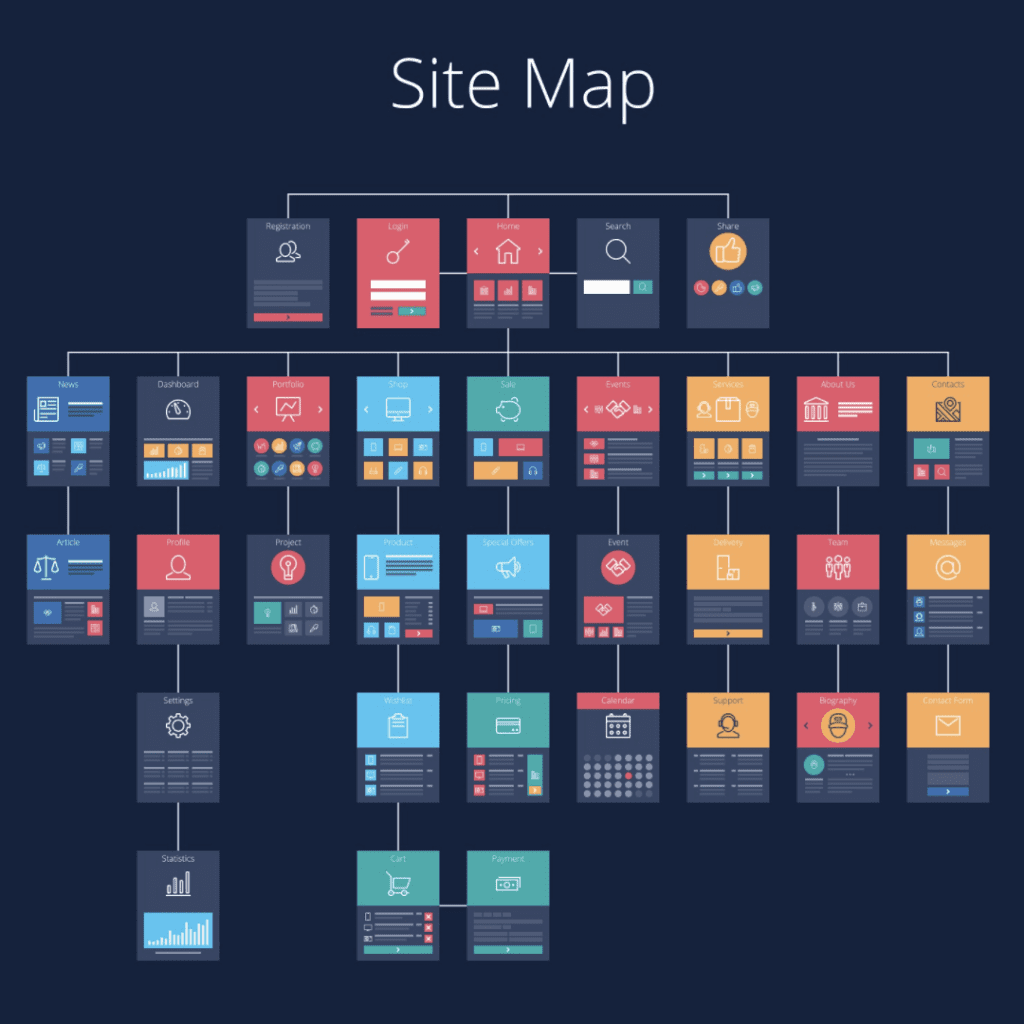
Front-end frameworks are every developer’s best friend. You get thrown into situations where you need to be able to generate a website quickly and professionally, even if the client has no direction on where to start. Front End UI kits offer a solution by providing pre-designed components that simplify the design and development process. There are many options, but these five are some of my favorites and the most useful. Since we build custom web design for small business owners, its critical to know what UI systems work and which ones don’t.
Some are perfect for taking small portions or segments of code, while others are great for creating a whole system and building professional sites with the UI itself. I have them broken down into the basics, more complex UI kits for more personalization, and my favorite, which I save for last.
What is a Front End UI Kit?
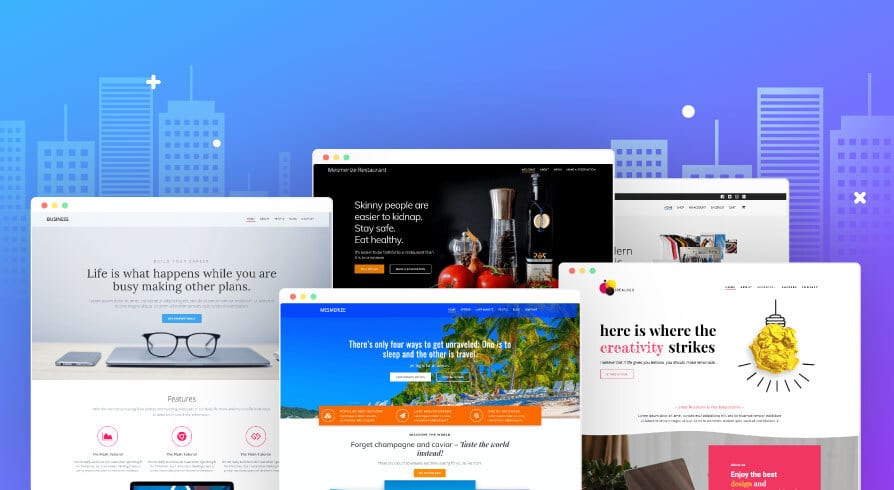
A UI kit is a collection of front-end libraries and components that help developers design and build user interfaces for websites and applications. These kits typically include pre-designed elements like buttons, forms, grids, and navigation menus, all of which can be customized to fit a project’s specific needs. By utilizing a UI framework, developers can create consistent and professional-looking interfaces without starting from scratch. UI kits streamline the development process, ensuring a cohesive design across all parts of the site.
Who Needs A Front End UI Kit?
UI kits are essential tools for both novice and experienced developers. Beginners benefit from the ready-made components that simplify the design process, while seasoned developers can use these kits to save time and maintain consistency across projects. Freelancers, web designers, and development agencies all rely on front-end UI frameworks to deliver high-quality results efficiently. Whether you’re working on a personal project or a large-scale application, a UI kit can significantly enhance your workflow and output.
What are the Benefits of A Front End UI Kit?
Using a UI kit offers numerous advantages, including faster development times and a more streamlined workflow. These web UI frameworks provide a solid foundation of pre-designed elements, reducing the need for repetitive coding and design work. Additionally, UI kits ensure that your website or application maintains a consistent look and feel, which is crucial for user experience. By leveraging a UI framework, you can focus on customization and functionality, ultimately creating a more polished and professional end product.
Let’s dive into the best open-source front-end UI kits and find the best for you.
The Basics UI Kits
The basic options provide an excellent foundation for developers looking to get started with front-end UI kits. These UI frameworks offer essential components and a responsive grid system that makes it easy to create professional-looking websites quickly. Ideal for beginners or those who need to whip up a site quickly, these front-end libraries ensure your site is both functional and aesthetically pleasing. The simplicity and modularity of these web UI frameworks allow for easy customization without overwhelming the user.
1. Bootstrap
Bootstrap was the original smart grid that allowed everyone to make a responsive site with minimal effort. The smart grid alone was enough to add it to our list. It allows you to show and hide components based on your user’s screen size, align them inside content rows, and quickly align objects. This great framework allows you to use individual components to customize your site how you want. It hooks on jQuery to allow you to have some animation without having to be a JavaScript pro. It’s also nice they wrote some JS code themselves to create animation so your site isn’t entirely stale and completely like other sites that use Bootstrap. I love the ability to take their components and then add your own CSS styling on top of their predefined classes.
PROS: Lightweight, easy to use, the original UI framework most others compare themselves to and try to duplicate, and it is FREE
CONS: Rigid, requires you to do a lot of touches to make it professional, can look very similar to other sites since it is very modular
2. Pure CSS
Pure CSS was the original competitor to Bootstrap. It took the idea of creating a smart grid to auto-align your content and make it responsive to any device screen. Lacking in some of the finer design areas, its simple modular design lets you build sites quickly and efficiently. Its simplistic design is great for minimal design. They were very smart in designing simple layouts that can be added to WordPress, or you can add small components to your site.
PROS: modular, simplistic design, smart grid for responsiveness, FREE
CONS: Rigid, requires you to do a lot of touches to make it professional, can look very similar to other sites since it is very modular
More Complex UI Kits For More Personalization
More complex UI systems are the way to go when your project demands a higher level of customization and uniqueness. These front-end UI frameworks offer a wider array of components and greater flexibility, allowing developers to craft intricate and personalized designs. Perfect for those with a bit more coding experience, these web UI development tools provide the building blocks needed for highly dynamic and interactive websites. While they come with a steeper learning curve, the result is a truly customized user interface that stands out.
Mind Your Business Newsletter
Business news shouldn’t put you to sleep. Each week, we deliver the stories you actually need to know—served with a fresh, lively twist that keeps you on your toes. Stay informed, stay relevant, and see how industry insights can propel your bottom line.
Subscribe to Mind Your Business

3. UI Kit
UI Kit is known for having several modules that you can customize and implement to your site. It is most known for being a building block for a lot of themes in WordPress. With a variety of components to customize, you can take any of the components you need and customize your site to match exactly what you need. While it might not be as well-known or as popular as Bootstrap or Pure CSS, it might be considered a hidden gem because you can create your own themes based on its flexible components.
PROS: lots of components, simple theming, robust code, FREE
CONS: requires a lot of personal coding, you have to know some JS code yourself, and it requires a bit of a learning curve and coding experience

4. Semantic UI
Semantic UI is a comprehensive UI system that feels similar to Bootstrap but has some cosmetic differences in the CSS, and it requires you to write your own JS for every animation and DOM manipulation. While this might feel like it is a lot more work than necessary, it allows you to be more precise and use your coding skills to make it more personal. Thankfully, it keeps Bootstrap’s lightweight frame and smart grid inside, so your site is still responsive. It also lets you take individual components and assemble a site how you want it to feel.
PROS: Lots of components, a more comprehensive bootstrap layout, solid building blocks and dynamic layouts, FREE
CONS: Requires a lot of personal coding, you have to know JavaScript and be willing to write it, has a sharp learning curve, and requires some coding experience
The Top Front End UI Kit
Material Bootstrap
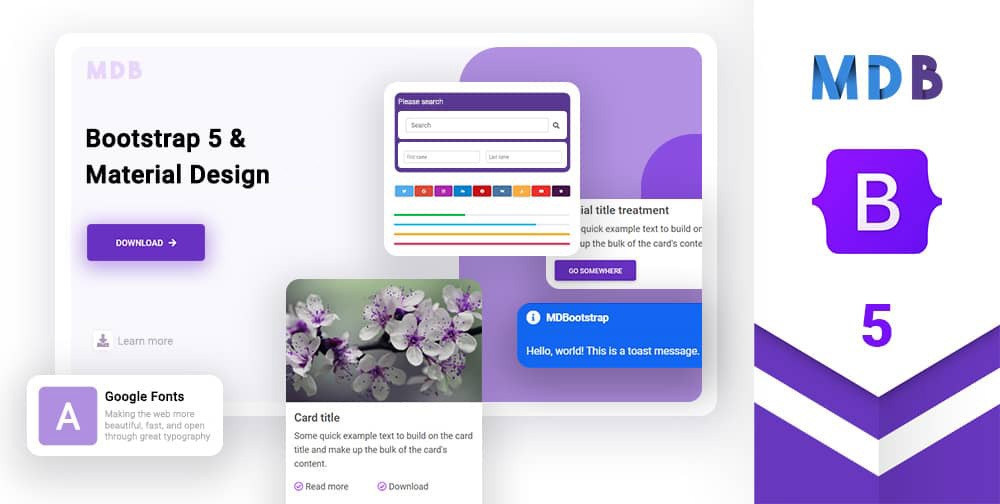
Material Bootstrap is my favorite UI system because it takes the core of Bootstrap, its smart grid, and combines the Material design of Google to make a simple, out-of-box UI that creates sites that look professional and unique with minimal customization. They have a free or PRO plan that includes templates and exclusive sections that I think are worth the price. Its fluid animation, design, and add-ons make this comprehensive UI system the best. It’s also super helpful that they have taken a lot of time to perfect their CSS and JS components that go with their building blocks to give you some easy animation. The best part is that it is still lightweight, and the material design makes it sleek and welcoming on all screens.
PROS: Almost unlimited components and layouts, professional design, and unique animations that can be added anywhere
CONS: It relies on paid components, and the code can be bulky. Seriously, that’s it.
Honorable Mentions
Two other ones that were close but just didn’t quite make the list were Foundation by Zurb and Materialize. They are both simple UI systems that make great site foundations, but both lacked some necessary components that others covered. Feel free to check them out as well and let your creativity flow. There is no wrong answer when it comes to a UI framework. Always make sure you do some customization yourself so it doesn’t look exactly like a template for their demo pages!
Ready to Elevate Your Web Development Projects?
Choosing the right front-end UI kit can significantly enhance the efficiency and professionalism of your web development projects. Whether you’re a beginner or a seasoned developer, leveraging these powerful UI frameworks can streamline your workflow and produce stunning results.
If you want to take your website design to the next level, our expert team at Good Fellas Agency is here to help. We specialize in creating custom, responsive, and visually appealing websites tailored to your needs. Visit our Small Business Web Design page to learn how we can transform your vision into a reality.
Let’s build something amazing together!